Free download
$0
Try the core survey workflow before subscribing.
- 1 survey
- Draft-watermarked PDF exports
Marine survey software for independent surveyors
Capture findings, photos, measurements, sea-trial notes, and report details once—then deliver a polished PDF from your iPhone or iPad.
Free to download with 1 survey and draft-watermarked PDF exports · $14.99 one-time clean-report token · Pro: $19.99/month or $199.99/year · Eligible new subscribers can start with a 7-day trial
Pricing
Download the app to explore the workflow, use a one-time token for a clean report, or choose Pro for ongoing survey work. Apple shows final pricing before purchase.
Free download
Try the core survey workflow before subscribing.
One-time token
For one clean report export without a subscription.
Pro monthly
For ongoing survey work with clean client-ready exports.
Pro yearly
The annual Pro option for regular survey practices.
Eligible new subscribers can start with a 7-day trial. Availability and final pricing are controlled by Apple and shown in the App Store.
View on the App StoreA calmer survey day
Instead of rebuilding the report from scattered notes at the end of the day, build the useful parts as you inspect.
Move through the vessel with a repeatable structure that helps keep the survey complete.
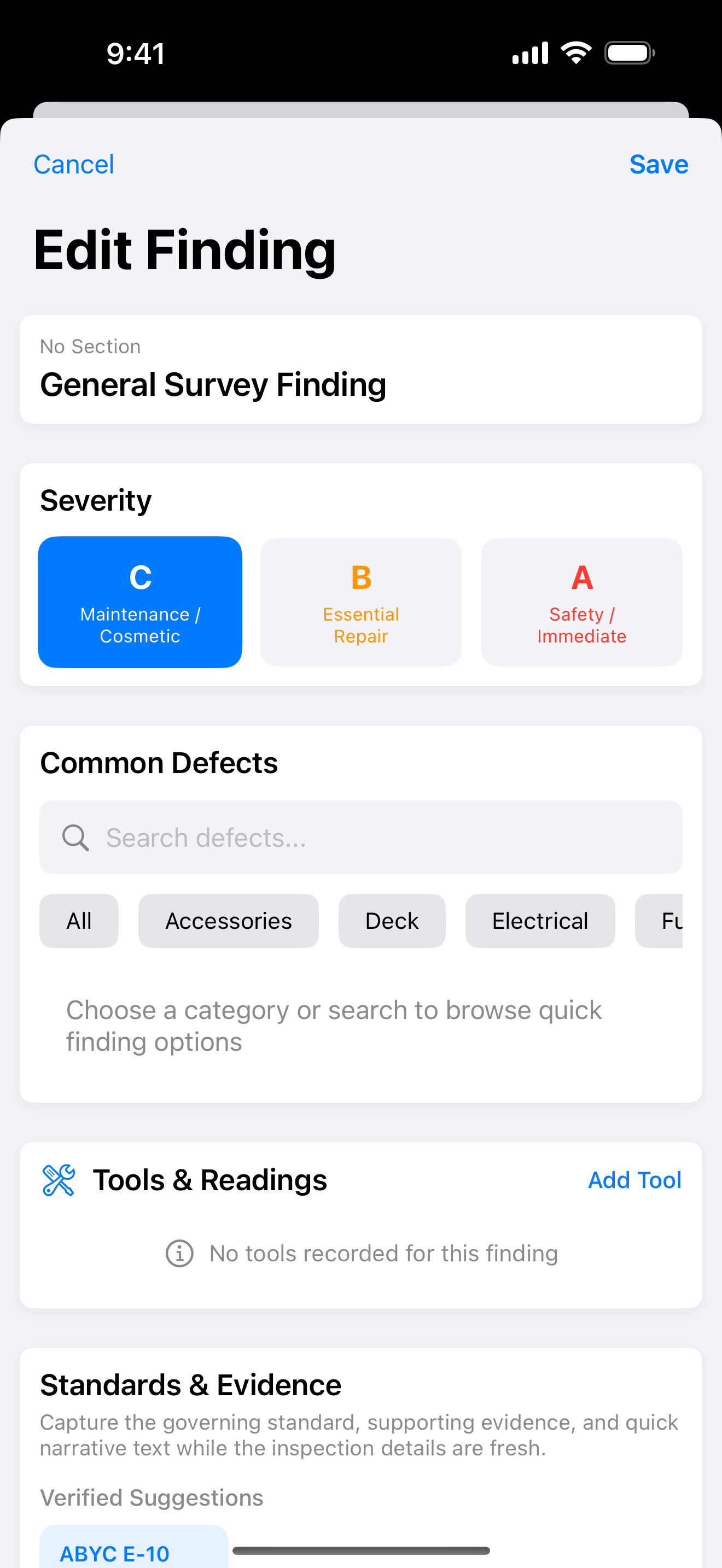
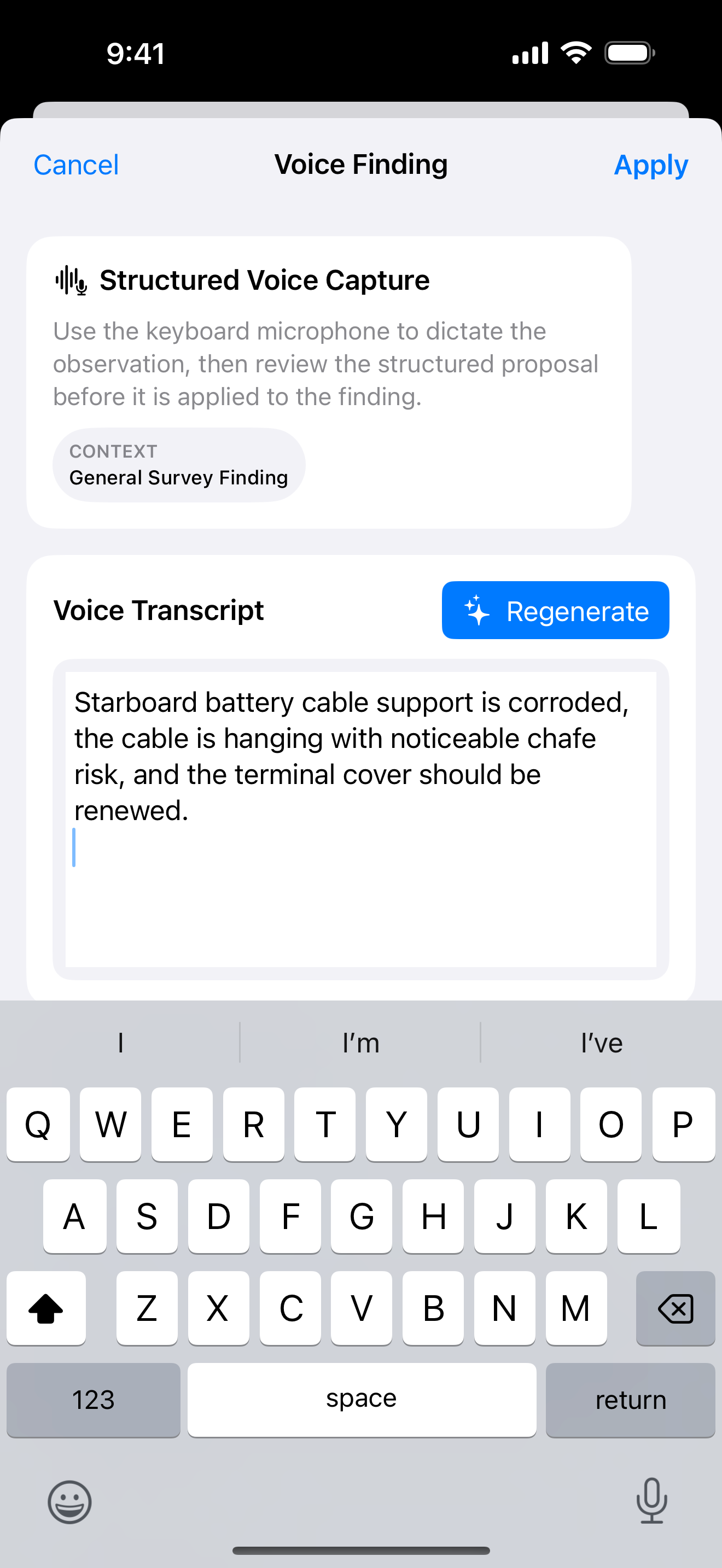
Keep photos, measurements, recommendations, and standards with the finding they support.
Carry sea-trial and haul-out observations in the same record as the dockside inspection.
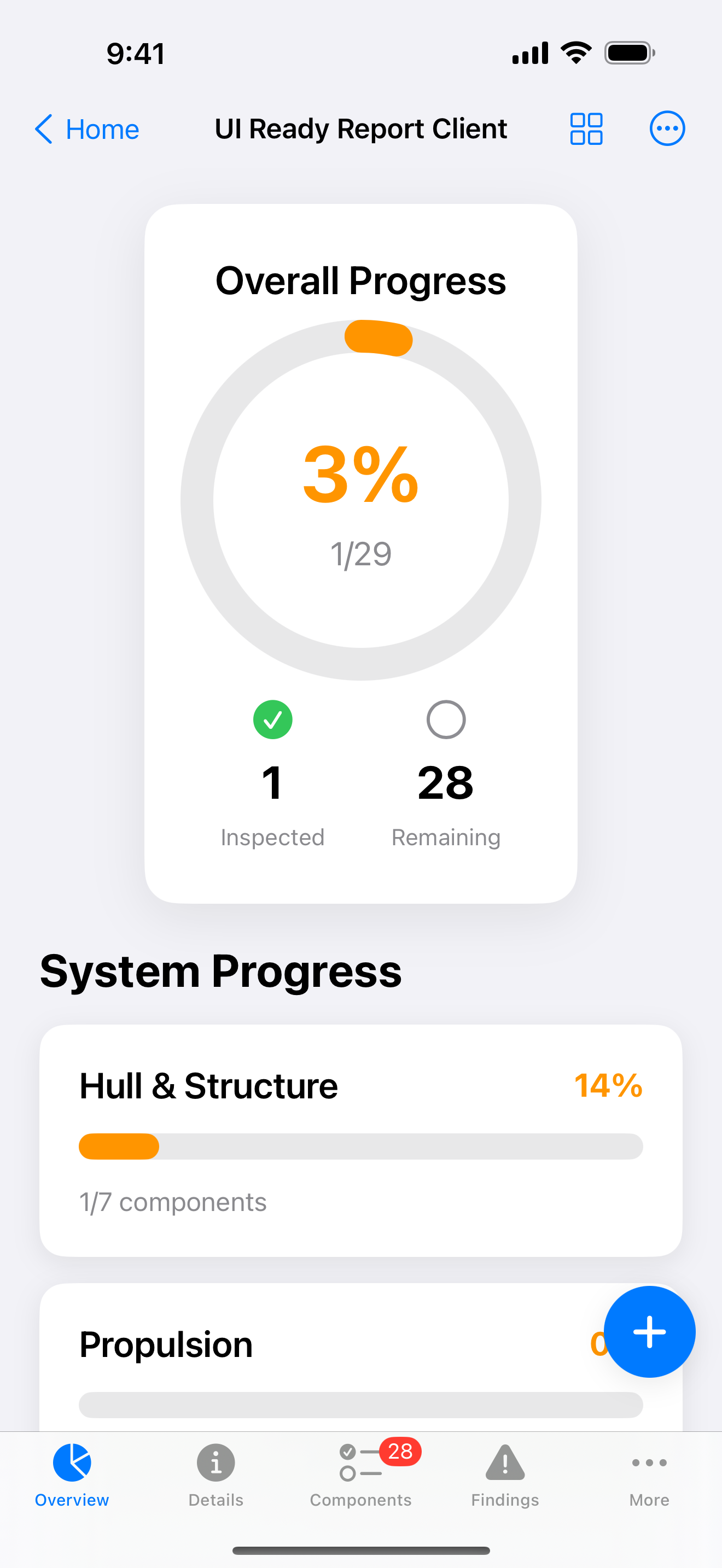
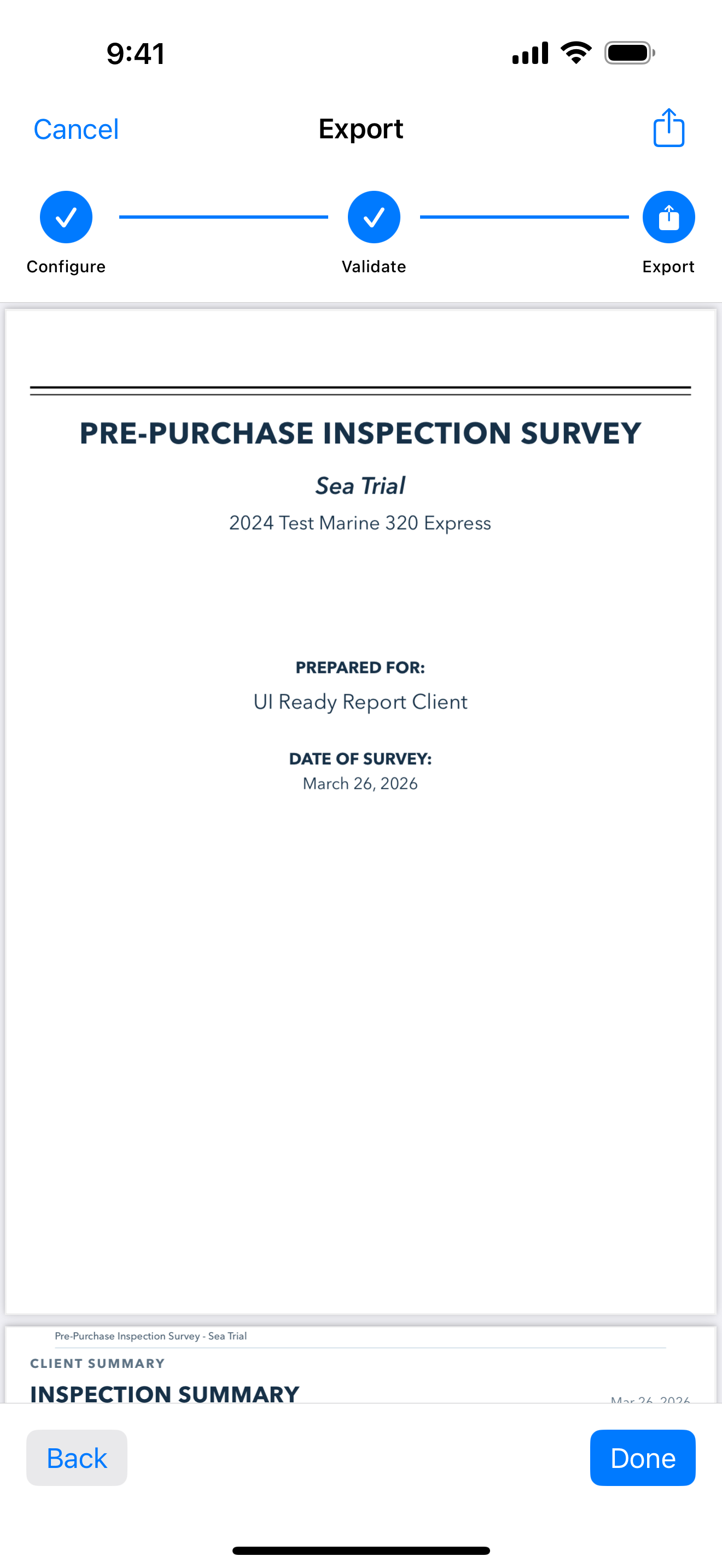
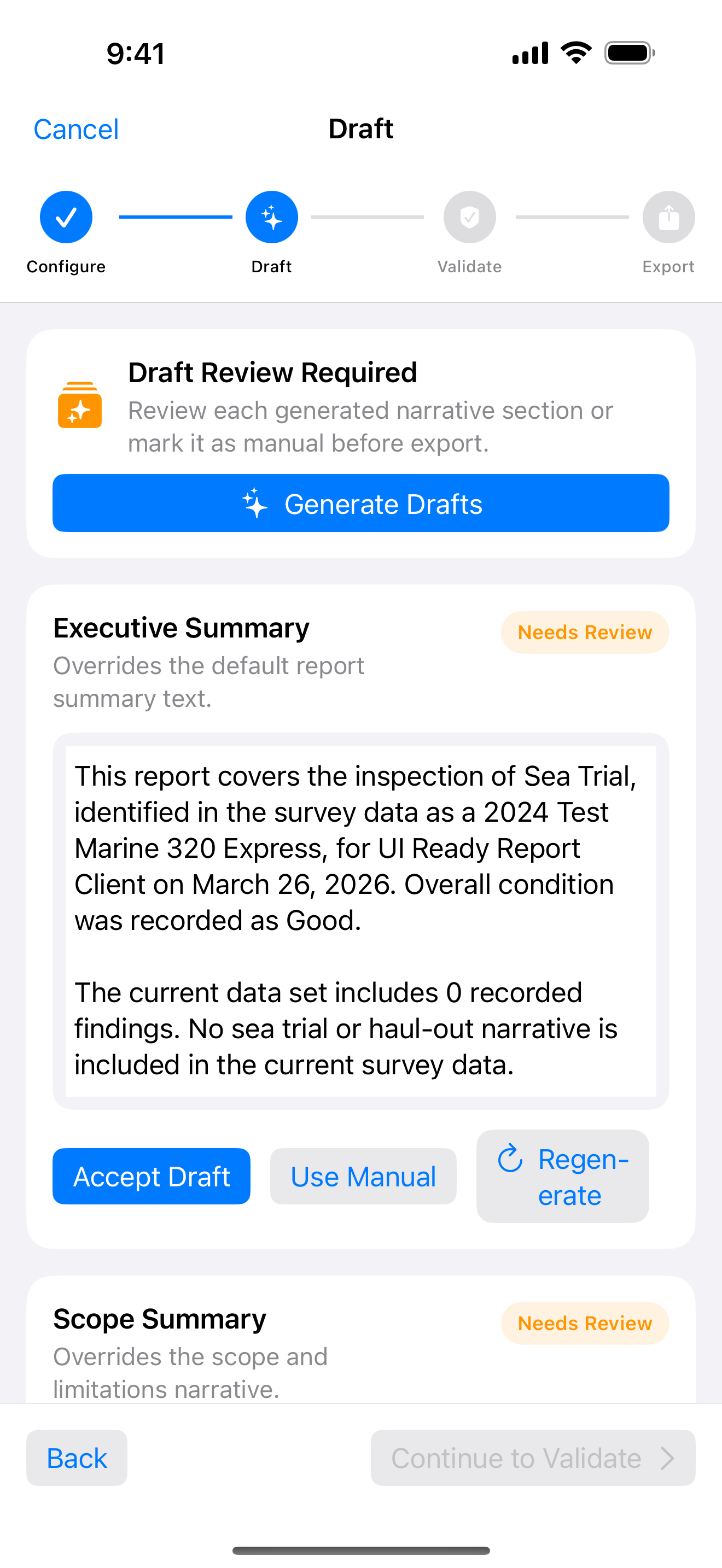
Check report readiness and create a polished PDF before the details go cold.
See it in the field
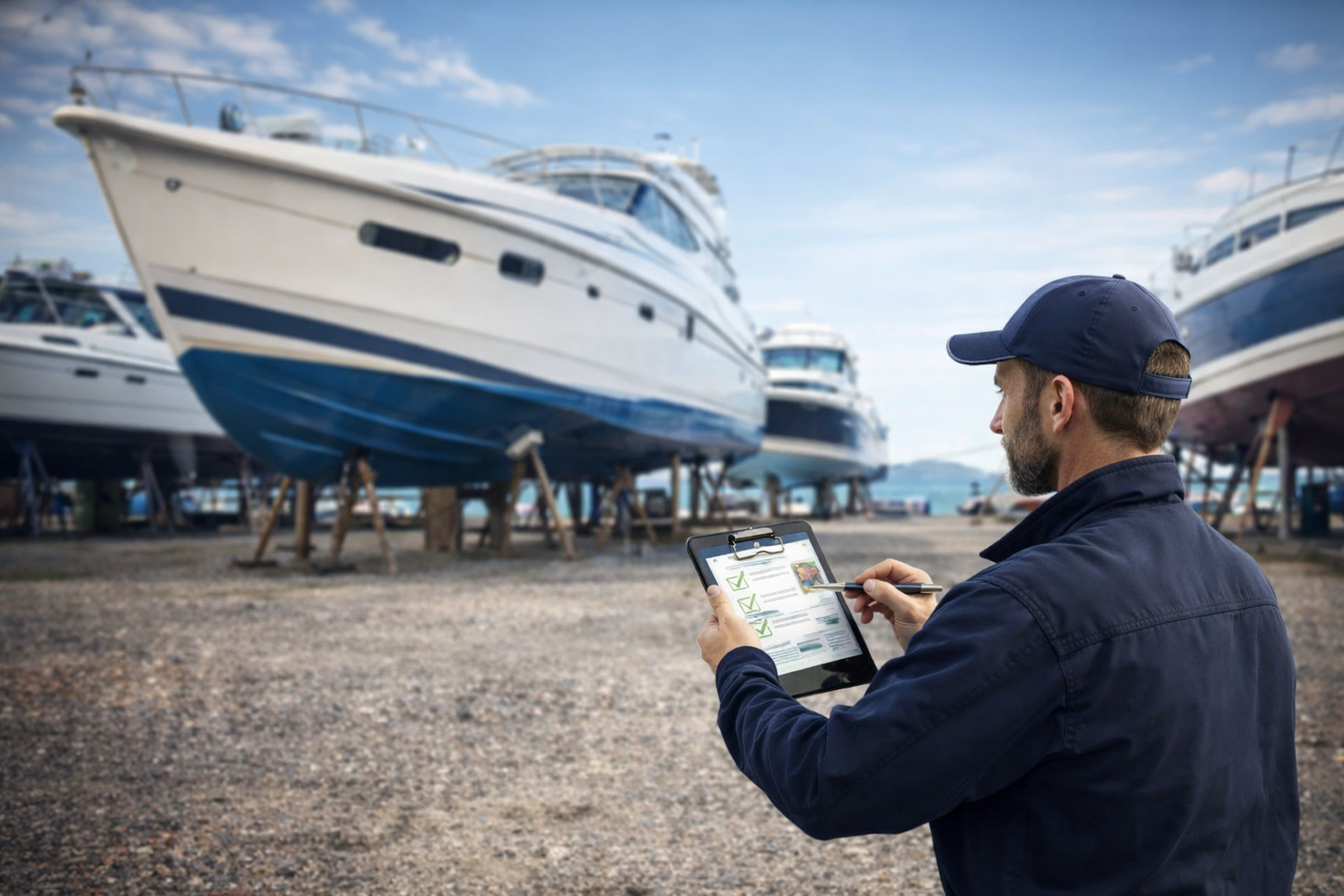
The app keeps the workflow visible without asking you to translate a boatyard day into a report after the fact.
The handoff
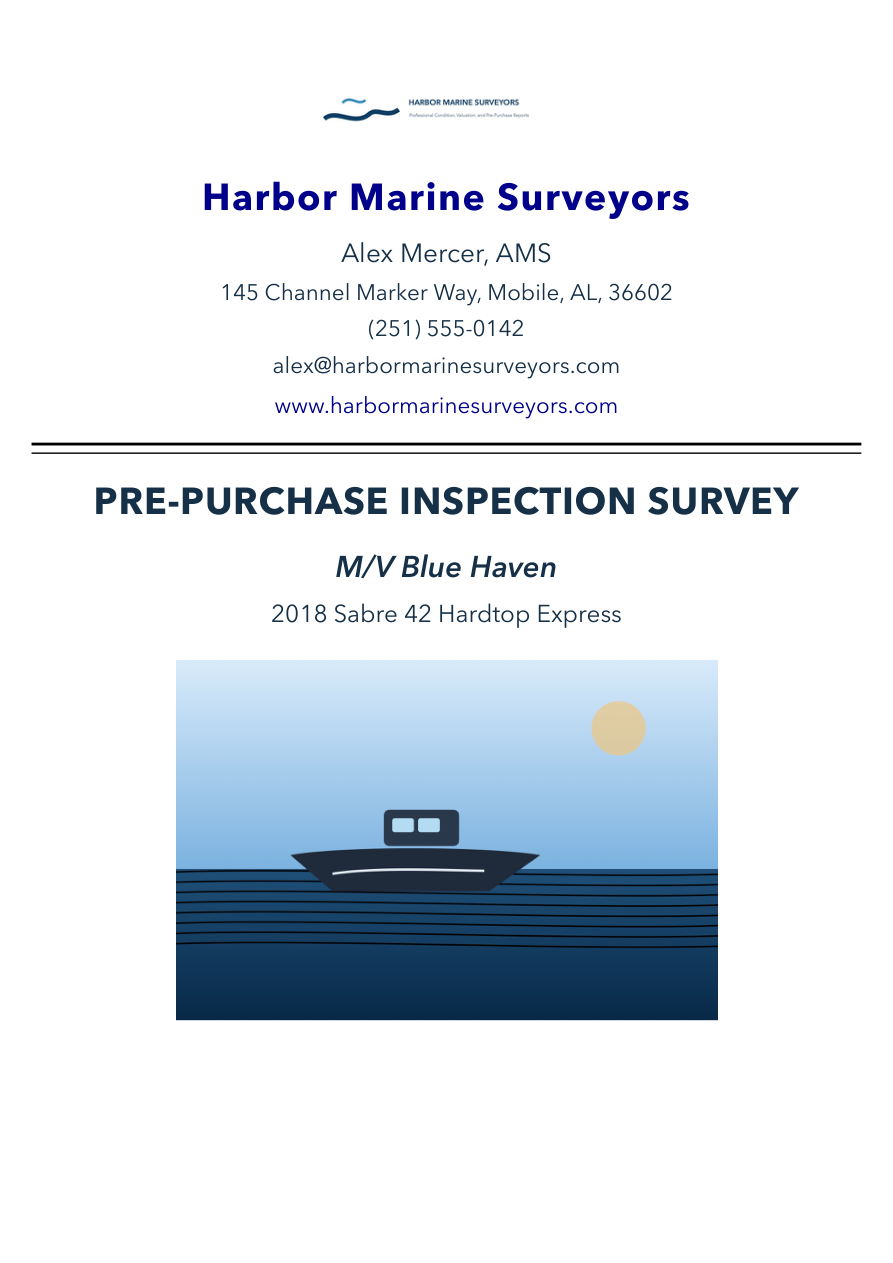
Turn a complete field record into a professional PDF with a cover page, findings, photo appendix, and closing sections. You keep the judgment; the app keeps the details connected.
✓ A clear path from observation to recommendation
✓ Photos and supporting evidence in context
✓ A report you can review and share from the field
Built around field realities
Core inspection and reporting workflows are designed for yards, docks, and onboard work where connectivity may be unreliable.
Use local snapshots, archive export, and private sync to protect the survey record across your Apple devices.
The app organizes observations and evidence; it does not replace your professional judgment.
Questions before you download?
Explore the workflow first, then decide whether it fits the way you survey.
Independent marine surveyors and small survey practices that want one field record from inspection through client-ready PDF.
A structured survey record with findings, evidence, operational notes, and a polished PDF with a cover, findings, photo appendix, and closing sections.
No. You make the observations and decisions. The app helps keep the supporting details organized.
The app is free to download and includes 1 survey with draft-watermarked PDF exports. A one-time $14.99 token provides 1 clean report export without subscribing. Pro is $19.99/month or $199.99/year. Eligible new subscribers can start with a 7-day trial; Apple shows final pricing before purchase.
Ready for the next survey?
Download Marine Surveyor's Toolkit and see how a connected field record changes the handoff.